Network security that sees what others miss

AI-powered policy enforcement and deep observability for Kubernetes - built on eBPF for Linux, WFP for Windows. Zero trust from the kernel up.

Built for security and platform teams running regulated Kubernetes workloads - in financial services, healthcare, and government.

The platform

A new class of network security.

Purpose-built for modern Kubernetes - Nyx unifies kernel-level enforcement with AI-driven observability in one platform, across Linux and Windows.

01 - Observability
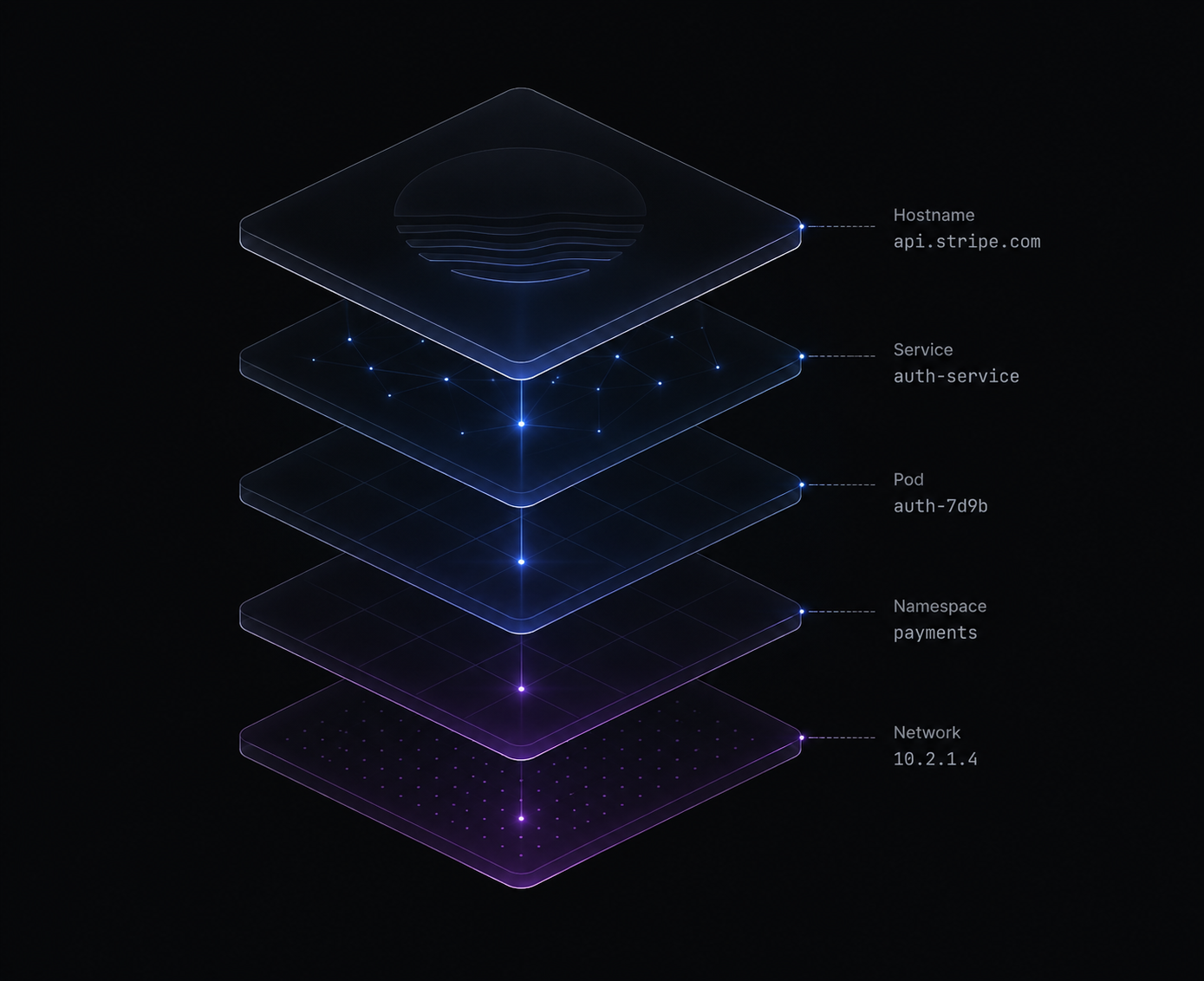
Deep observability - kernel-level layers from hostname down to network

Deep observability

See what other tools can't. Nyx records every flow in the kernel - source workload, destination, policy decision, and verdict - across Linux and Windows, the instant it happens. No sampling, no reconstructing from logs after the fact.

02 - Enforcement
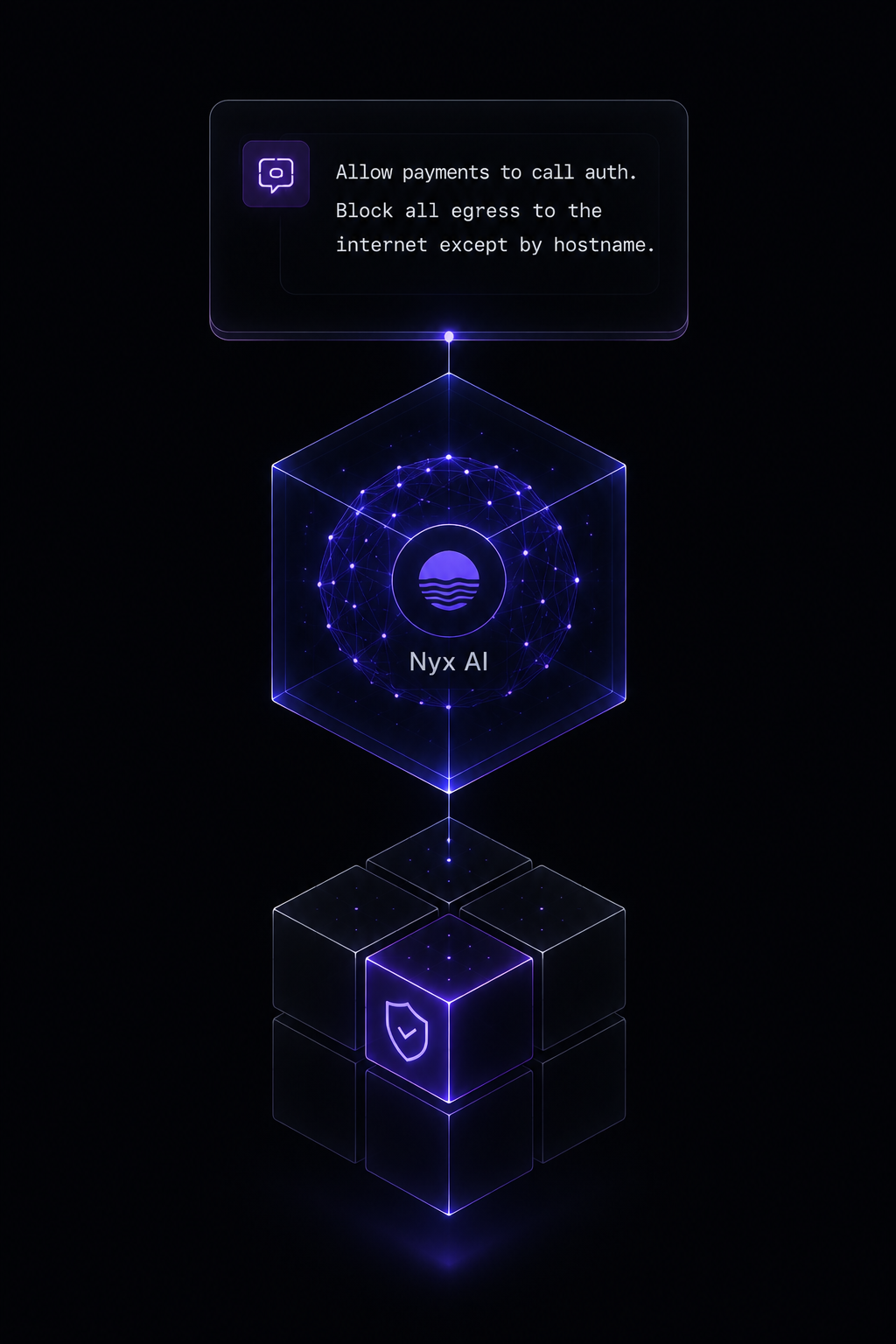
AI-powered enforcement - plain-English intent compiled into kernel-enforced policy

AI-powered enforcement

Describe the policy you want in plain English. Nyx compiles it into kernel-enforced rules you can read, version, and roll out - dry-run first, enforce when ready.

03 - Architecture
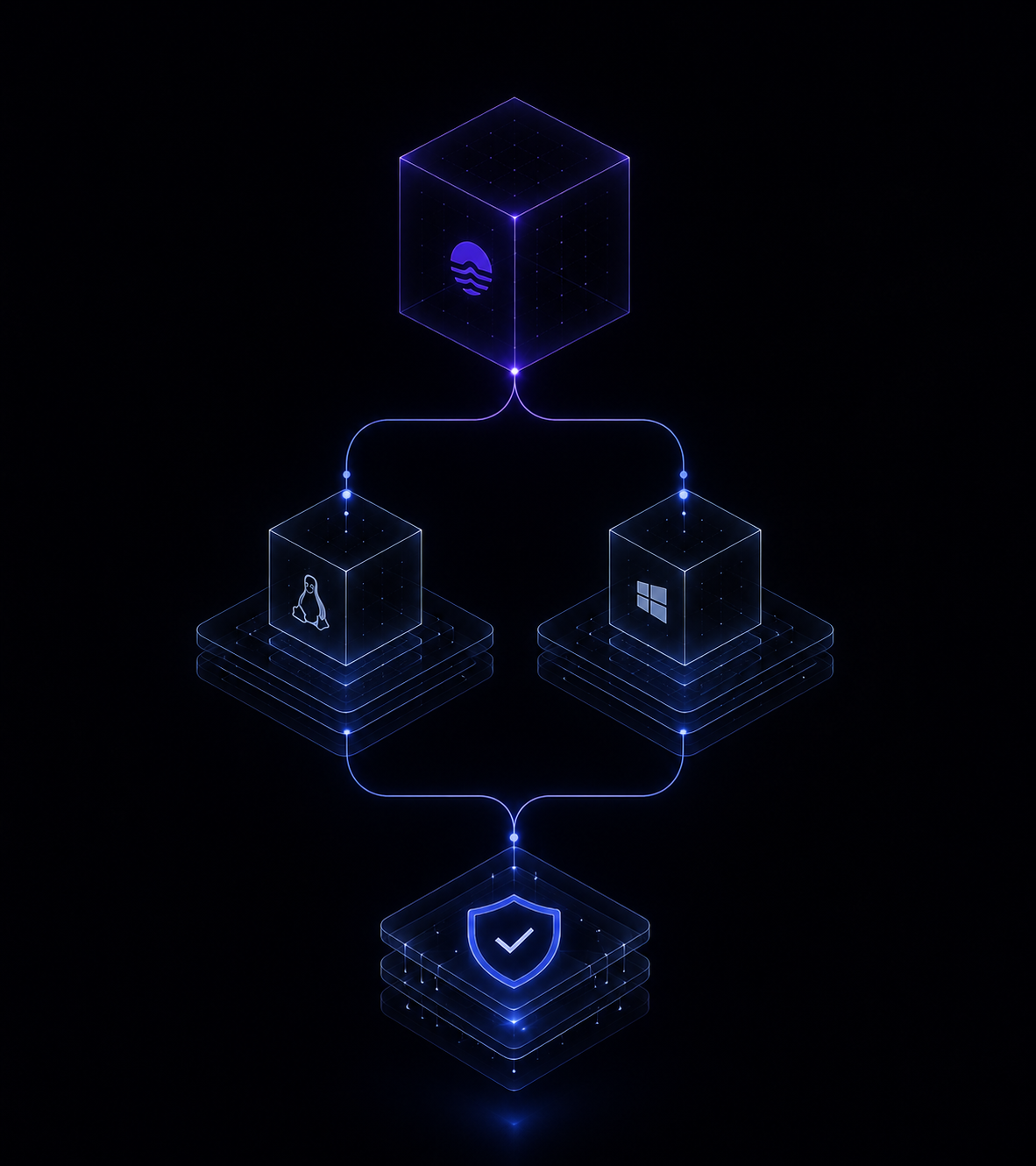
Kernel-native by design - eBPF on Linux, WFP callout driver on Windows

Kernel-native by design

eBPF on Linux, a WFP callout driver on Windows Server - one policy model, real behavioural parity. No sidecars, no proxies, one DaemonSet across the cluster.

1.0 - Observe

See every connection in your cluster.

Nyx maps every flow the moment it happens - pod to pod, namespace to namespace, and out to the internet by hostname. The traffic others flatten into an opaque IP, you see for what it is.

1.1 Live traffic map 1.2 Flow logs 1.3 Hostname resolution 1.4 Cross-namespace visibility
flow-logs · last 60s streaming
TimestampSource IPDest IPDecision PortEnforcePolicyDirection PacketsBytes Workload / PodNamespaceFQDN
2.0 - Ask

Ask your cluster, in plain English.

Don't write queries - ask questions. Nyx turns natural language into answers over your live flow data, with charts you can pin to a dashboard in one click.

2.1 Natural-language queries 2.2 Instant charts 2.3 Pin to dashboard
3.0 - Enforce

Describe a policy. Ship it to the kernel.

Two ways to author. Describe the policy in plain English, or click a workload, namespace, or a connection on the map - Nyx pre-fills the ingress and egress rules from traffic it has already observed. Either way you get a NyxNetworkPolicy you can review and version, then roll out dry-run → audit → enforce.

3.1 dry-run 3.2 audit 3.3 enforce 3.4 Author from observed traffic
4.0 - Alert

Turn a sentence into a standing alert.

Describe what you never want to happen. Save it once, and Nyx watches every node - firing the moment a flow matches, with events ready for your SIEM.

4.1 Plain-English rules 4.2 Real-time on every node 4.3 SIEM-ready events

Built different. Literally.

The architecture is the differentiator - not a list of features bolted onto someone else's data plane.

No sidecars, no proxies

Most L7 enforcement routes traffic through an Envoy proxy on every node. Nyx parses TLS SNI in the kernel - sub-microsecond, no proxy hop, one less thing to run, patch, and audit.

Linux and Windows parity

The same policy model enforces on Linux (eBPF) and Windows Server (WFP callout driver). Mixed clusters get one security model, not two. The only platform built for both.

The hostname, not just the IP

Cloud services share IP ranges across thousands of tenants. Nyx enforces on the hostname - so api.stripe.com is allowed while an attacker's bucket on the same range is blocked.

Two components, not twenty

One DaemonSet and one admission webhook - versus 20+ deployments for the enterprise incumbents. Less to run, less to break, less attack surface to defend.

Live in your cluster in minutes.

1

Sign up

Create a free Scout account - personal email, immediate access. No credit card.

2

One command

Run the pre-filled Helm command. One DaemonSet deploys to every node - Linux and Windows alike.

$ helm install nyx oci://tracenyxpublic.azurecr.io/helm/nyx \
--set global.scout.key=YOUR_SCOUT_KEY
3

See everything

Your cluster connects automatically. Open the traffic map and watch every connection light up.

Start free. Scale when you're ready.

Namespaces are the unit. The agent runs everywhere; you only monitor what you choose.

Scout
Free
For individuals and first clusters.
  • 3 namespaces, 1 cluster
  • Linux eBPF + Windows WFP enforcement
  • Limited AI - anomaly detection & policy generation
  • Short-term log retention
  • Community support
Sentinel
Business
For teams standardising on Kubernetes.
Everything in Scout, plus:
  • 25–50 namespaces, 5–10 clusters
  • More AI - higher daily limits
  • Extended log retention
  • SSO + RBAC
  • Email support
Aegis
Enterprise
For regulated, multi-cluster estates.
Everything in Sentinel, plus:
  • Unlimited namespaces & clusters
  • Unlimited AI
  • Private AI - all AI processing stays inside Tracenyx infrastructure, with zero third-party exposure.
  • Long-term log retention
  • Dedicated SLA + preferred data region
  • Guided rollout to full policy coverage across your estate

On every tier, Nyx sends only anonymised traffic patterns to the AI provider - never raw flow records, pod names, or IP addresses.

Compare all features →

Start enforcing zero trust today.

Free Scout tier. Three namespaces. No credit card.
Upgrade when you're ready.